Assistant Creation
To create an assistant, there are 3 available methods:
- Wizard
- Expert
- Import file
To create an assistant, select Create assistant and then the method you want to use.

Once creation is complete, the assistant will be accessible by selecting the suggested link or by selecting Archive and then Assistants.

Wizard
The Wizard method allows you to quickly create an assistant with basic settings.
All settings applied at this stage can be modified later (see Assistant settings), except for the assistant's Language.
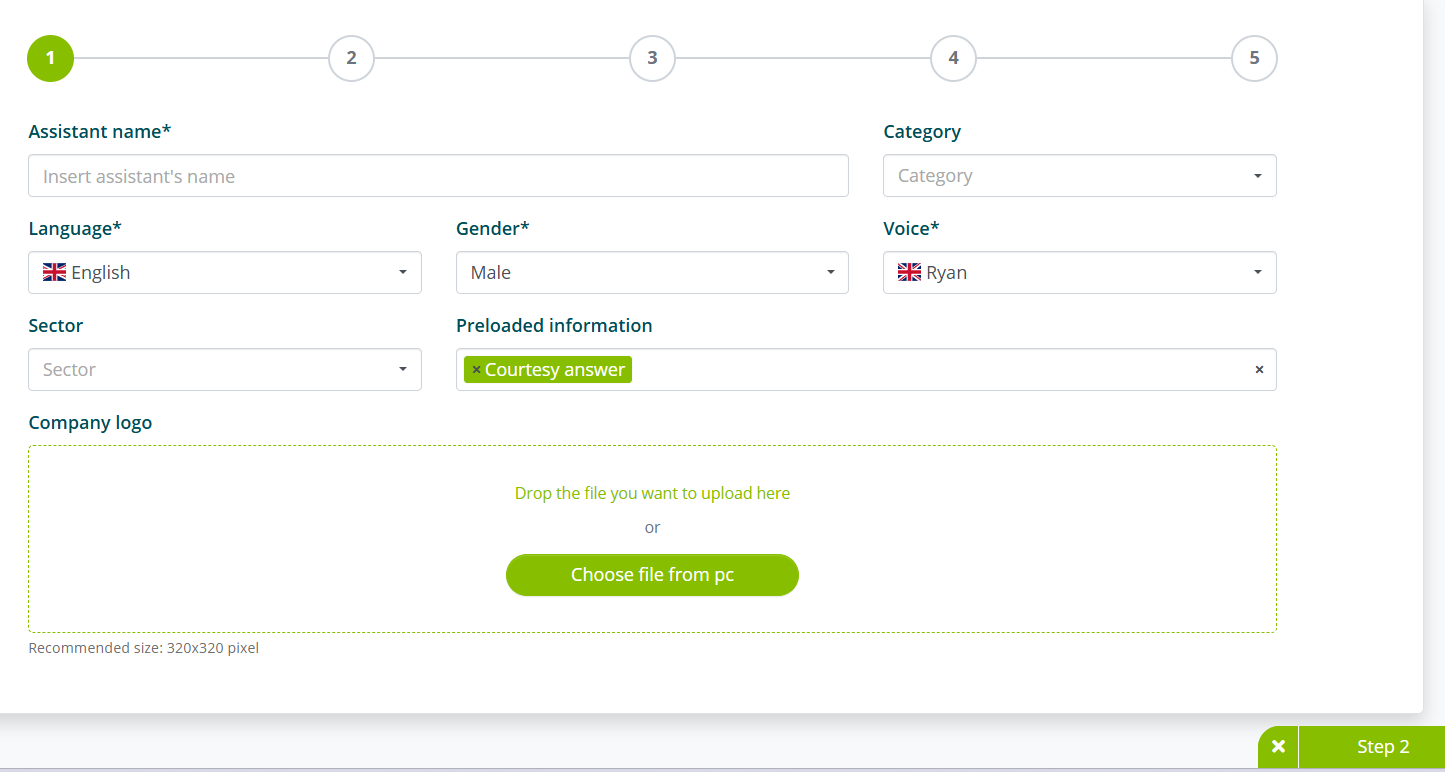
In the first step, you must enter the following information:
- Assistant name
- Language
- Gender
- Voice
Although not mandatory, we recommend keeping the Courtesy responses option in the Pre-loaded information setting.
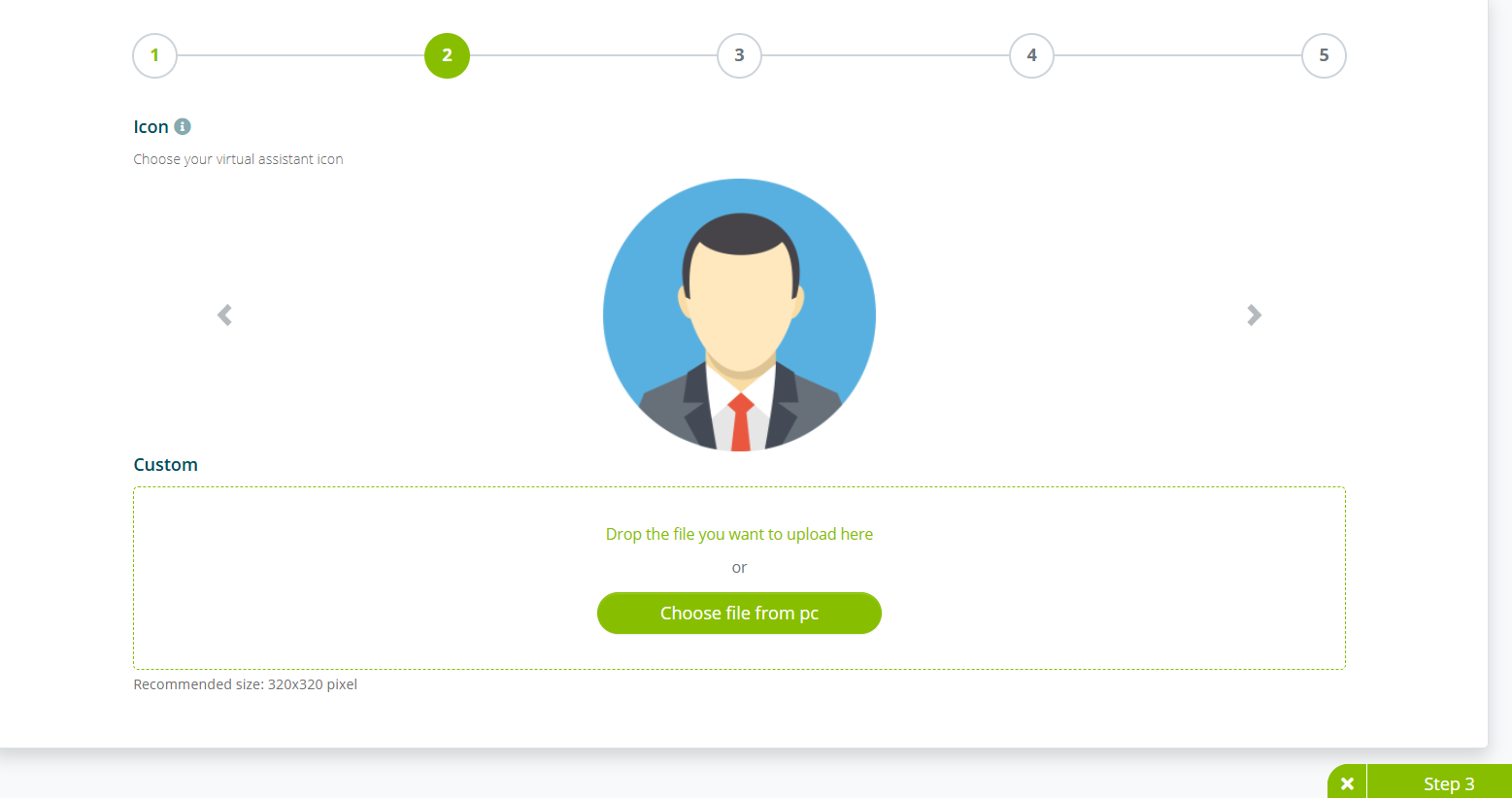
In the second step, you are prompted to add the assistant's icon (this step can be skipped).
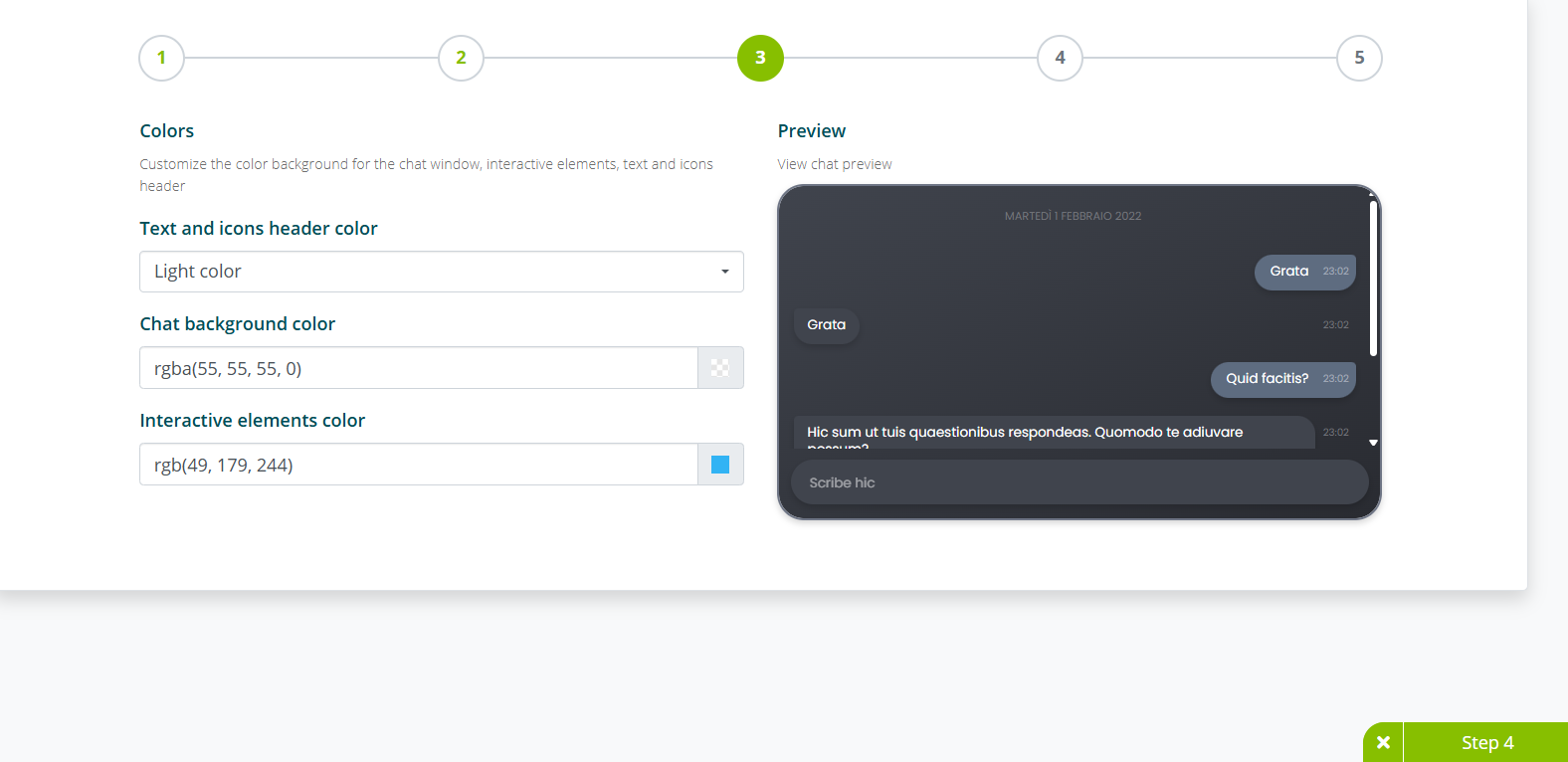
In the third step, you can customize some elements of the chat interface.
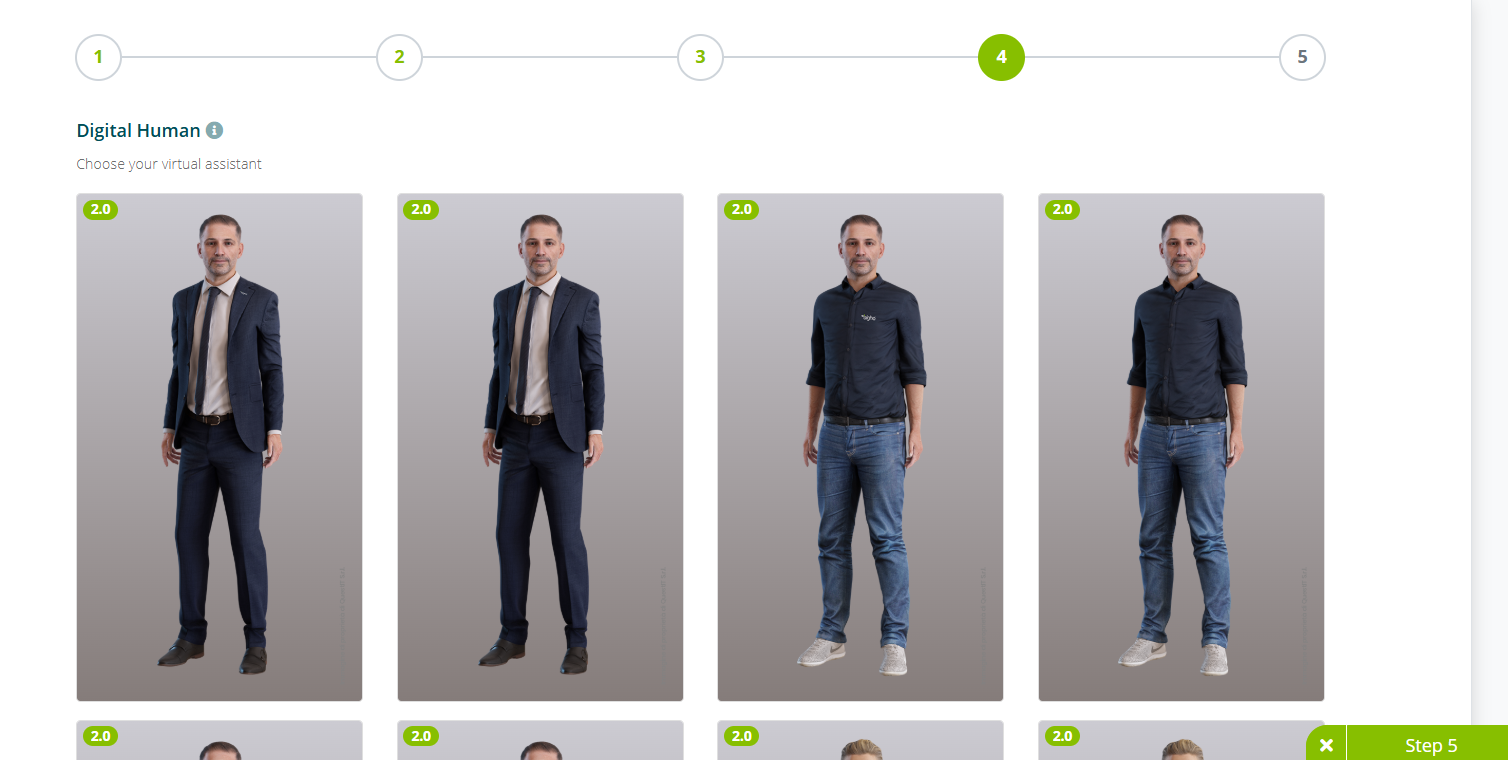
In the fourth and fifth steps, you are asked to select the Digital Human and the background.
The fourth and fifth steps are only required for Algho accounts that use the Digital Human feature.
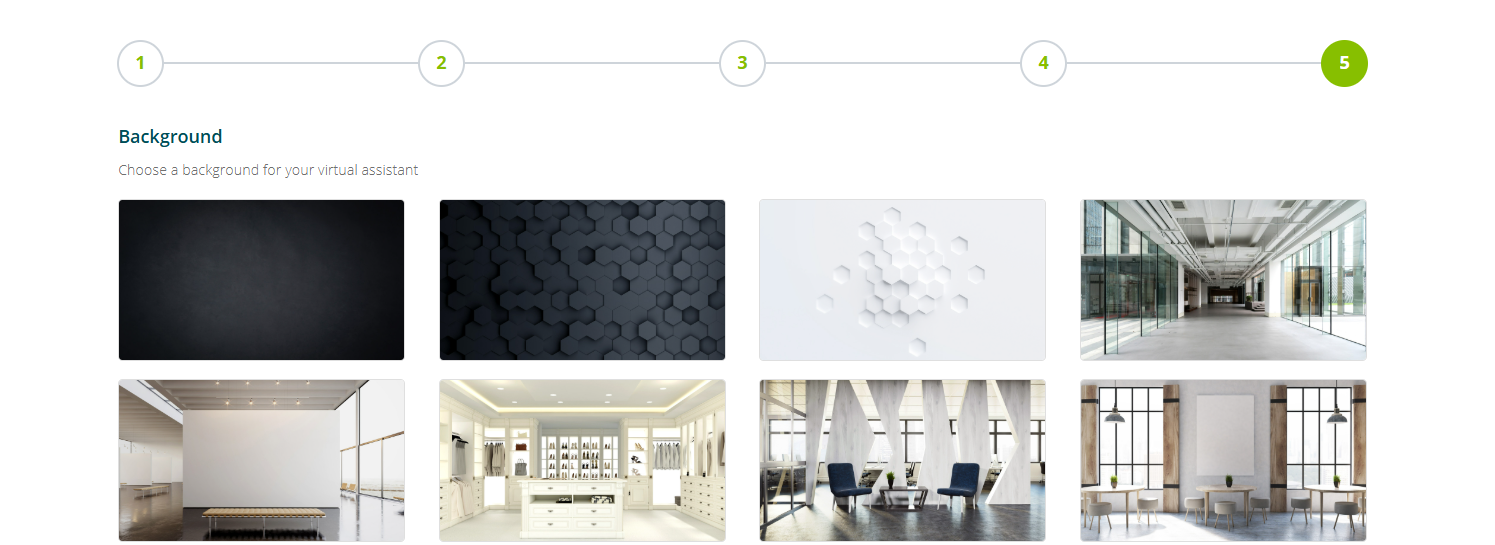
Selecting Create assistant completes the creation process.
Expert
The Expert method allows you to create an assistant by selecting all available settings from the start.
See Assistant settings for all available settings.
Import file
The Import file method allows you to import an assistant previously exported as a .zip file.
With this method, simply select the .zip folder to upload and assign a name to the assistant.
